
How to Verify Your Business Name for Shipping
Verify your registered business name with its RC number, so you can ship as your business instead of yourself. Here's how.
Before you start: Have your company's RC number ready. You can find it on your CAC certificate.
Good to know:
- This feature is for registered Nigerian companies.
- It changes the sender only. Your personal NIN verification stays the same.
Step 1: Turn On "Sender is a company or organisation"
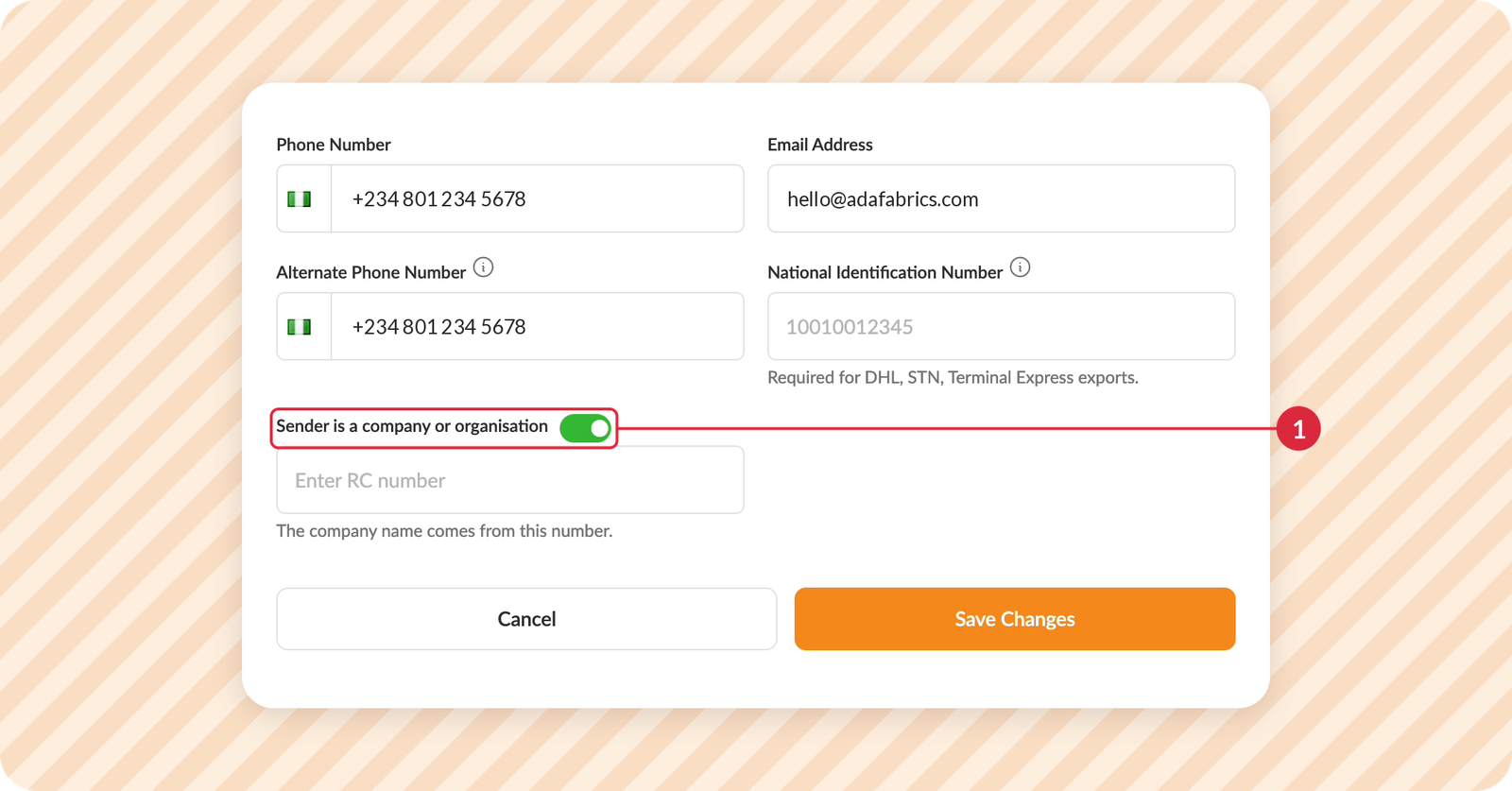
When you book a shipment, go to the Sender step. Add a new sender address or click Edit this address. Then turn on Sender is a company or organisation (1). A box for your RC number will appear.
Step 2: Enter Your RC Number and Click Verify
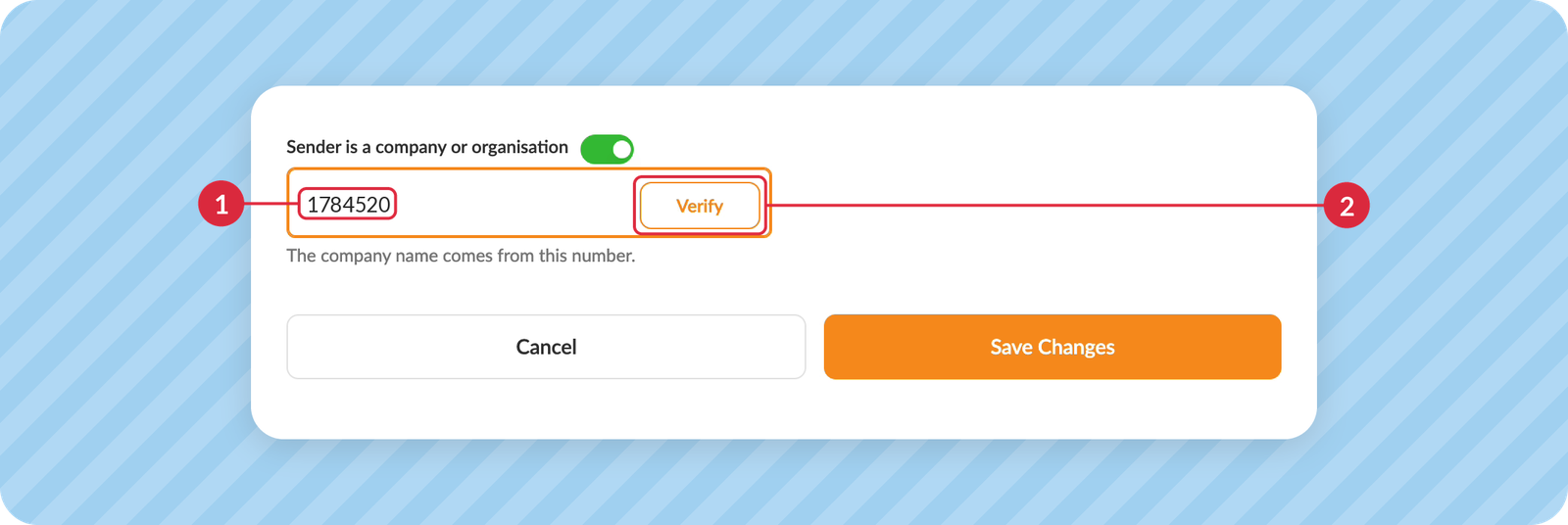
Type your company's RC number (1) in the box. Then click Verify (2).
Step 3: Check Your Verified Business Name and Save
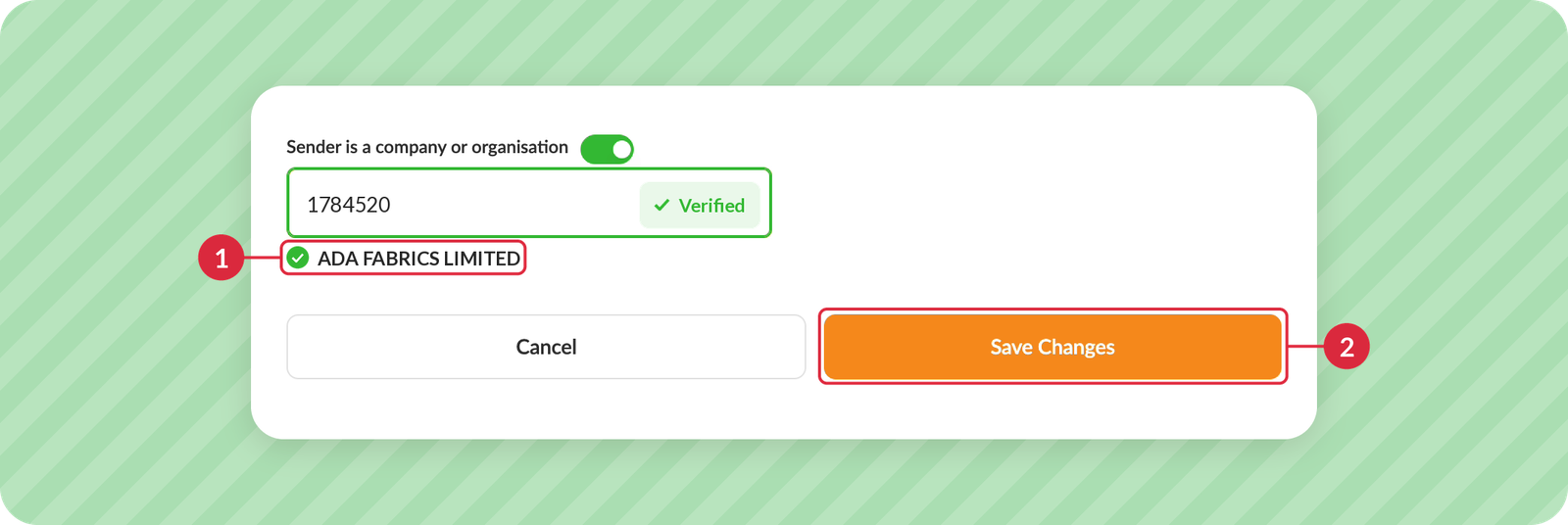
When your RC number is correct, the box turns green and shows Verified. Your registered business name (1) appears under it. Check that it is your business, then click Save Changes (2).
That's it. Your business name is now verified for this sender address.
Seeing "RC number not found"?
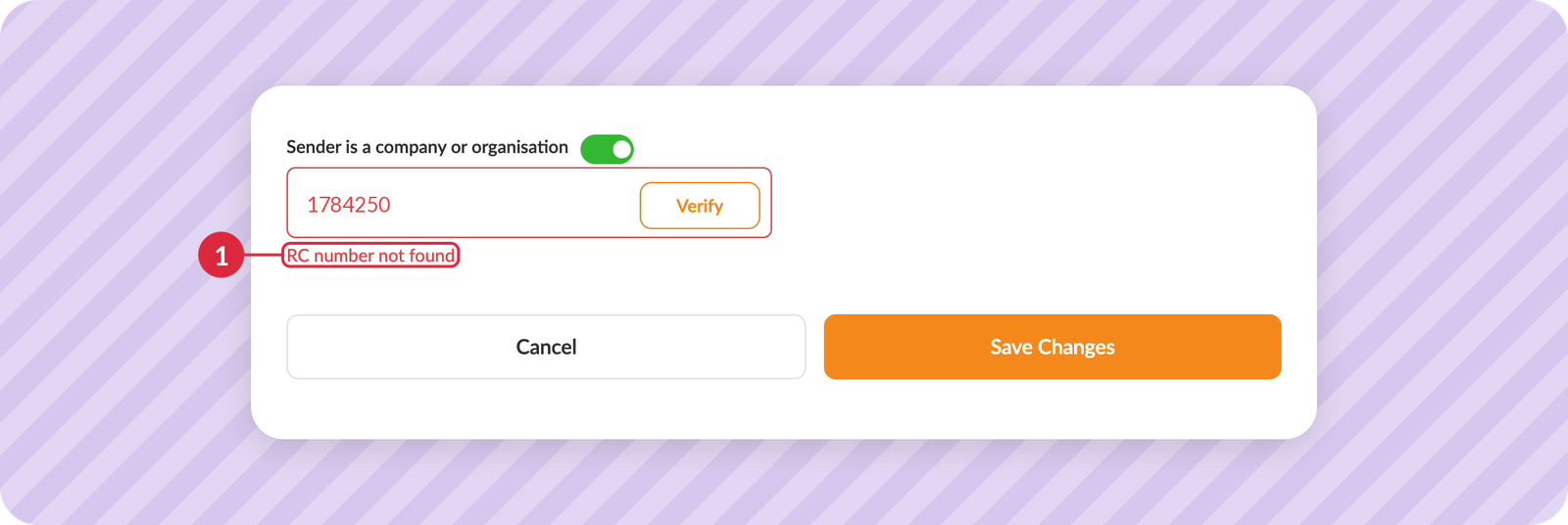
This means we could not find a company with that number. Check the number (1) against your CAC certificate, fix any typo and click Verify again.
More Like This

How to Book a Priority Pickup for Your Shipment

How to Schedule a Pickup for Your Shipment

Have further questions?
Contact Us